Protect your login
Use a strong password and two-step verification, and never share account details.
Multiplayer modes are a big part of many popular mobile games. These tips help you protect your account and keep matches enjoyable for everyone.
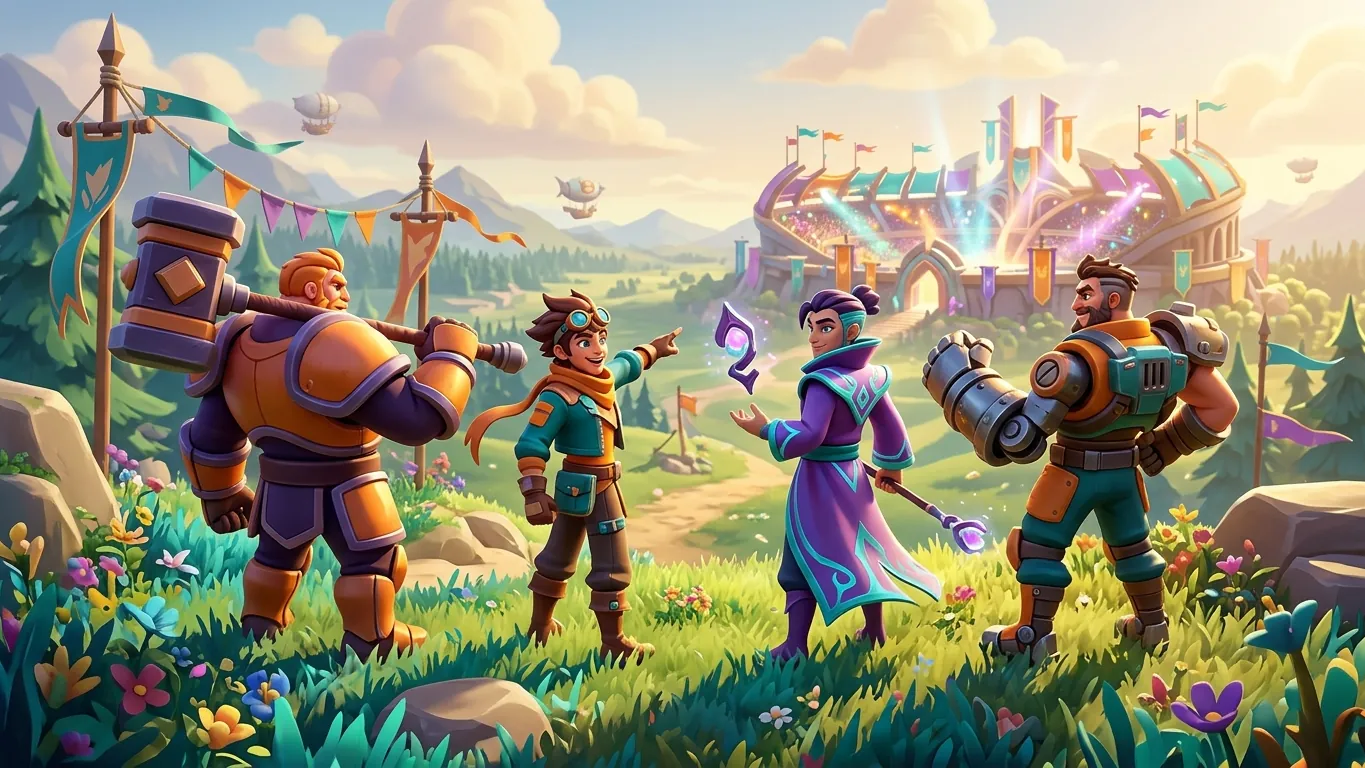
Your progress in an online game is tied to an account. Losing access can mean losing months of play, so basic security is worth a few minutes.
Link your game to a recoverable account rather than playing only as a guest. Use a strong, unique password for that account and turn on two-step verification where it is available.
Never share your login details, even with friends or alliance members. Be careful with messages that promise free currency or items in exchange for your account information. Legitimate games do not ask for your password through chat.
In-game chat helps teams coordinate, but it also connects you with strangers. Keep personal details private: your full name, address, school, workplace and phone number should never appear in chat.
Be cautious with links from other players. They can lead to scams or harmful sites. If a deal sounds too good, it is best to ignore it.
Most games offer chat filters and settings to limit messages to friends or teammates. Use them, especially if younger players use the device. Parents can also review the age rating and the social features described in the store listing.
Team modes work best when players communicate clearly and stay calm. Use quick-chat signals or short messages to share plans. Focus on what the team can do next, not on who made a mistake.
If you need to leave, try to finish the match or let your team know. Leaving early often makes the game harder for everyone and may lead to penalties.
Everyone has bad matches. A friendly word after a loss costs nothing and makes people more likely to play with you again.
Sometimes you will meet players who are rude or disruptive. Arguing rarely helps. Mute them, then focus on the game.
If someone harasses you, cheats or shares inappropriate content, use the report tool. Reports are most useful when they are specific, so choose the right category and add a short description if the game allows it.
Blocking a player usually stops them from messaging you again. You do not need a reason to block someone who makes the game unpleasant.
A short summary of the key points.
Use a strong password and two-step verification, and never share account details.
Avoid sharing names, locations or contact details in chat.
Short, calm messages help teams more than blame.
Let the game's tools handle toxic behaviour instead of arguing.
 Healthy habits for everyday mobile gaming
Simple, balanced tips for enjoying mobile games as part of daily life: breaks, posture, eye comfort, sleep, notifications and when to seek advice.
Read more
 Understanding app permissions and privacy in mobile games
Learn how to read a game's store listing, understand app permissions and data safety details, and manage privacy settings on your Android phone.
Read more
 What makes a top mobile game in 2026
Charts show what is popular, not what suits you. Learn the traits that separate great mobile games from forgettable ones and how to spot them early.
Read more