Premium currency
A special currency bought with real money and spent inside the game on items, speed-ups or cosmetics.
Most popular mobile games are free to download and earn money through optional purchases and ads. Knowing how these systems work helps you spend thoughtfully, or not at all.
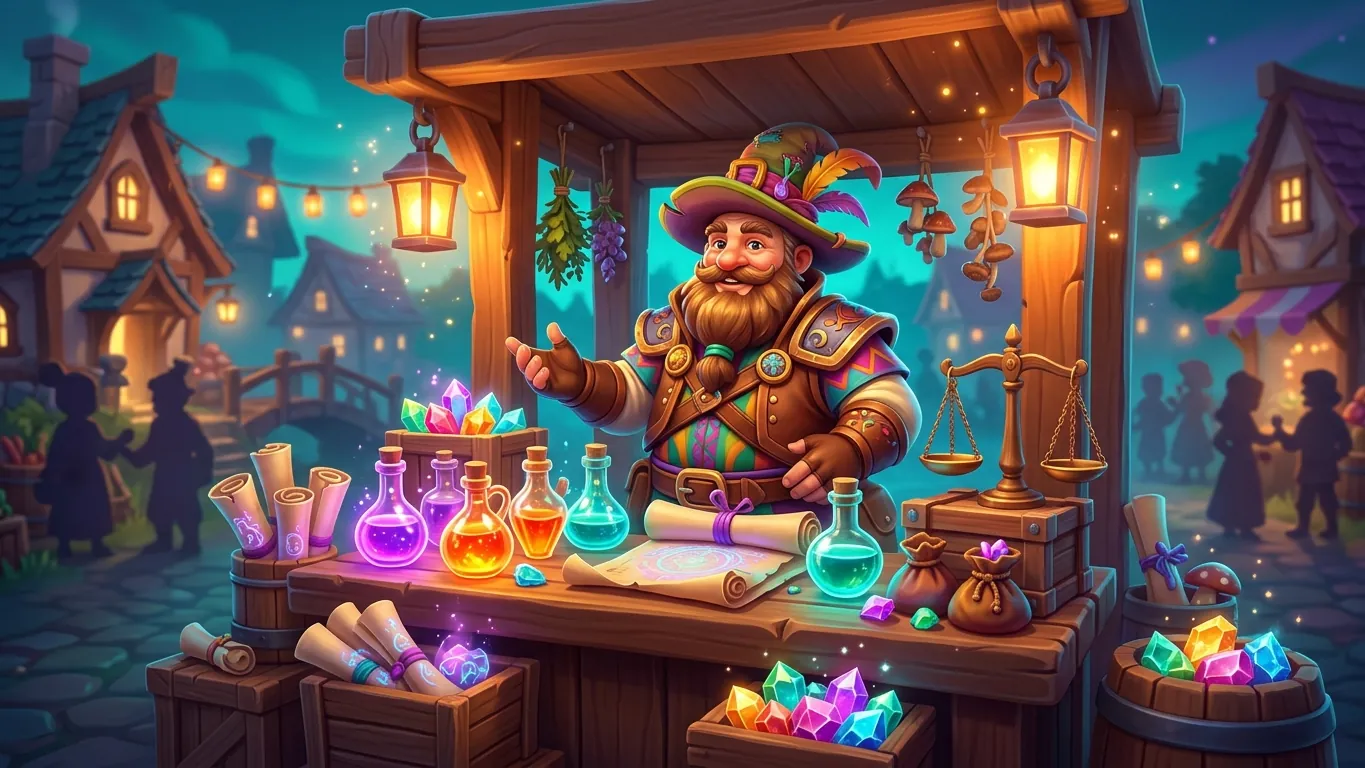
A free-to-play game costs nothing to download. The developer earns money in other ways, mainly through in-app purchases, advertising or both. Only a part of players spend money, and many enjoy the game without paying anything.
This model has clear benefits. You can try many games before deciding what you like. But it also shapes design. Developers have a reason to make spending appealing, so it helps to recognise the common patterns.
None of this means free-to-play games are bad. Many are generous and fun. Understanding the model simply lets you make your own choices.
Most games use some combination of the following.
A special currency bought with real money and spent inside the game on items, speed-ups or cosmetics.
A pass that unlocks extra rewards as you play during a set season. A free track is often included.
Skins, outfits and decorations that change appearance without affecting gameplay.
A one-time purchase to remove ads, or optional ads you watch for a small in-game reward.
Recurring offers that give daily rewards or perks. Check how to cancel before you subscribe.
Many games, especially hero collectors and some shooters, offer randomized rewards. You spend currency and receive an item or character based on chance. Rare results can be very unlikely.
Because outcomes are random, spending on these systems is hard to predict. Some games show the odds for each item in a details menu, and some include a guarantee after a certain number of attempts. Read those details before you spend anything.
It can help to treat randomized rewards as a bonus, not a goal. If a game only feels fun when you get a rare result, that is a sign to step back and reconsider.
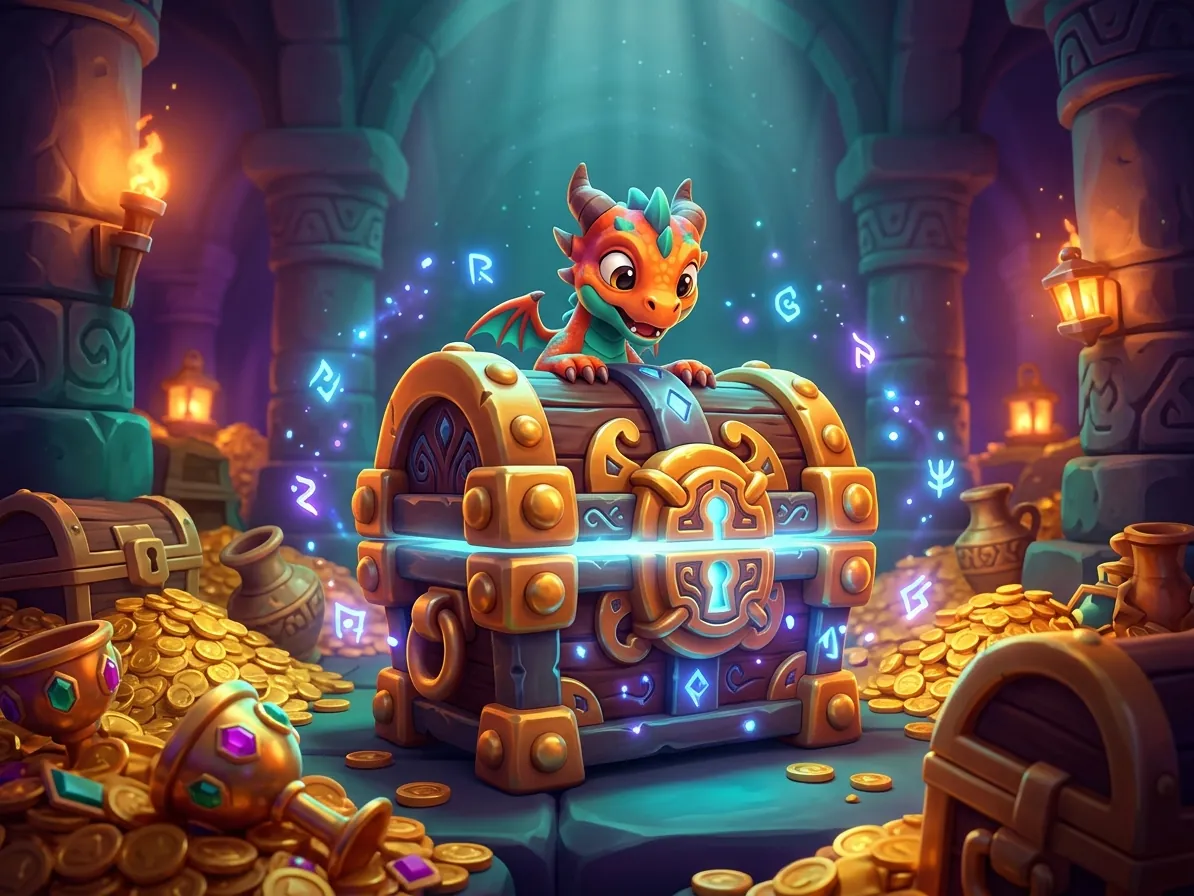
The simplest protection is a budget you decide before you play. Choose an amount per month that you are comfortable with, including zero. Write it down and check it against your purchase history.
Android devices and app stores offer settings that can require authentication for every purchase. Turning this on adds a pause before each payment, which makes impulse purchases less likely.
If children use the device, use the parental control and family settings available on the phone and in the store. Talk with them about what in-game currency represents.
If you feel that spending on games is becoming hard to control, consider speaking with a qualified professional or a support service in your area.
Some designs put more pressure on players than others. Common signs include pop-up offers after every loss, countdown timers on bundles, progress walls that appear right after the tutorial and confusing multiple currencies that hide real costs.
When you notice these patterns, pause before buying. Ask yourself whether you would still want the item tomorrow. Often the answer is no.
There are plenty of mobile games that feel fair without spending. If a game keeps steering you toward the shop, it is reasonable to try something else.
 Keep your phone ready for demanding games
Practical tips on storage, battery, heat, graphics settings and network use to help popular mobile games run smoothly on your Android phone.
Read more
 A beginner's guide to mobile strategy games
New to mobile strategy games? Learn the core loop, resource planning, build order, alliance basics and how to handle timers without burning out.
Read more
 Why puzzle games never seem to go out of style
An opinion piece on why puzzle games remain a favourite mobile genre, what makes a good one and how to enjoy puzzles without frustration.
Read more