Keep your phone ready for demanding games
Large mobile games can push storage, battery and processors hard. These practical tips help games run smoothly without wearing out your device.
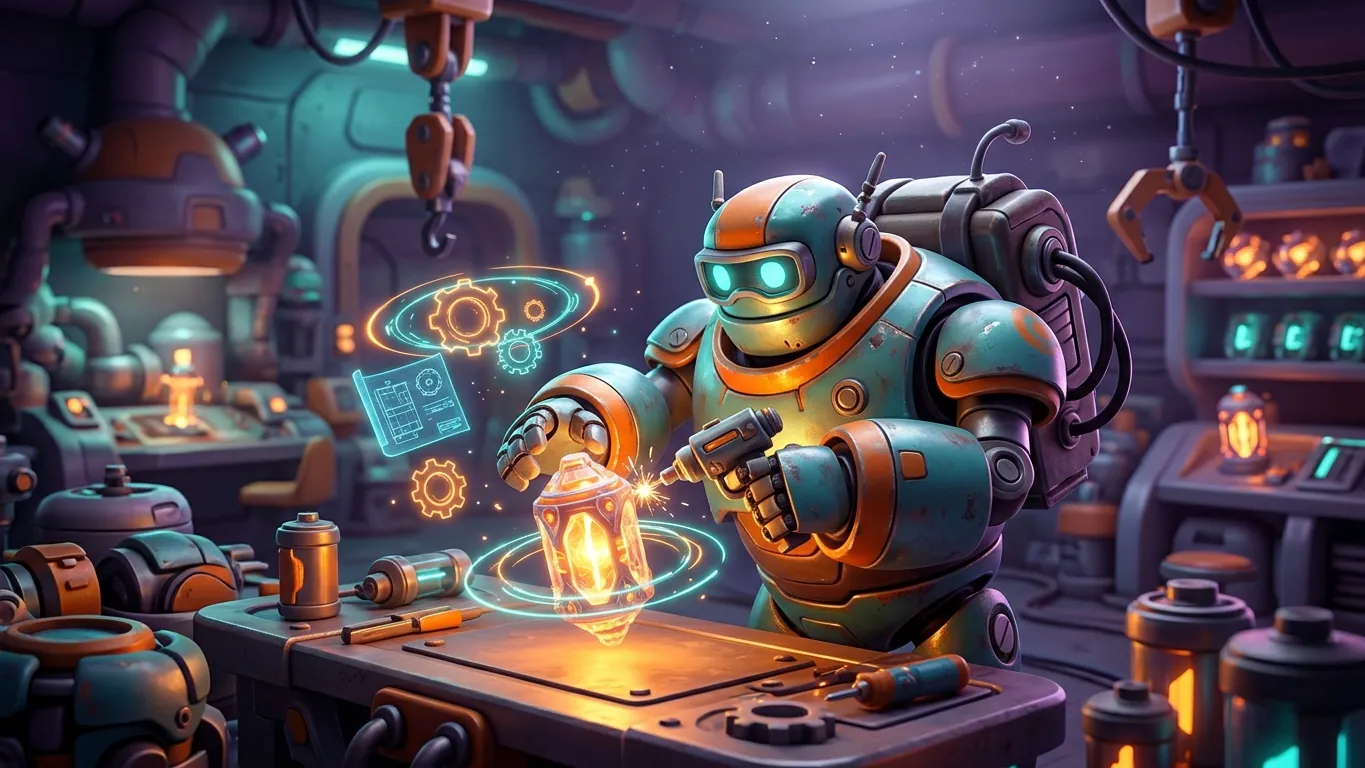
Check storage before you install
Many popular games are much larger than their store listing suggests. The initial download is often small, and the game then downloads extra data on first launch. Over time, updates and cached files can add even more.
Before installing a big game, check your free storage in the phone settings. Leave a buffer, because phones tend to slow down when storage is nearly full.
To free space, remove games you no longer play, clear cache for apps that store large temporary files and move photos or videos to other storage if your device supports it. Some games also let you delete optional downloads such as high-resolution textures or voice packs.
Manage battery and heat
Games with 3D graphics and online play use a lot of power. Your phone will get warm during long sessions, and when it gets too hot it may reduce performance to protect itself.
A few habits help. Remove thick cases while playing longer sessions. Avoid playing in direct sun or while charging in a hot place. Take breaks so the device can cool down.
Battery saver modes can reduce frame rates and brightness, which extends play time. For short puzzle sessions this is usually fine. For fast action games you may prefer full performance and a shorter session instead.

Choose sensible graphics settings
Most demanding games include graphics options. Typical settings cover resolution, frame rate, shadows, effects and draw distance. Higher settings look better but need more power.
Start with the game's recommended preset, then adjust. If the game stutters, lower shadows and effects first, since they often have a big impact. If your battery drains too fast, try a lower frame rate.
For competitive games, a steady frame rate usually matters more than visual detail. For story and exploration games, you may prefer sharper visuals at a slightly lower frame rate.
Network and download habits
Online games need a stable connection more than a fast one. Sudden drops cause lag and disconnects. When possible, play on a reliable Wi-Fi network rather than switching between networks.
Large updates can use a lot of mobile data. Set the store and the games themselves to download updates over Wi-Fi only. Some games let you pre-download content when a new version is announced in the game.
Background apps can also compete for bandwidth. Close streaming apps and pause big downloads before a competitive match.
A quick routine before a long session
Use this short routine before longer play sessions.
- 01
Check free storage
Make sure there is room for updates and temporary files.
- 02
Update the game
Install pending updates on Wi-Fi so you do not get stuck mid-session.
- 03
Adjust settings
Pick a graphics and frame rate setting that matches the game and your battery.
- 04
Plan a break
Pause every so often to let your phone, and yourself, cool down.
Related articles
 A beginner's guide to mobile strategy games
New to mobile strategy games? Learn the core loop, resource planning, build order, alliance basics and how to handle timers without burning out.
Read more
 Why puzzle games never seem to go out of style
An opinion piece on why puzzle games remain a favourite mobile genre, what makes a good one and how to enjoy puzzles without frustration.
Read more
 Playing online with others, safely and kindly
Practical tips for safe and friendly online play in mobile games: account security, chat safety, team etiquette and how to use report and block tools.
Read more